

1. What binary search actually requires, and what that costs you
Binary search has two hard prerequisites that most explanations gloss over:
- The dataset must be sorted
- The dataset must support O(1) random access (i.e., index-based access in constant time)
The first requirement has a hidden cost that's easy to underestimate. Sorting is O(n log n). If you're sorting before searching and you only search once, you've already paid more than a linear scan would have cost.
Let's make that concrete:
// Scenario: You receive an unsorted array and need to find one element

const data: number[] = buildUnsortedArray(1_000_000); // n = 1,000,000
const target = 42;

// Option A: Sort then binary search
// Cost: O(n log n) + O(log n) ≈ O(n log n)
const sorted = [...data].sort((a, b) => a - b);
const idx = binarySearch(sorted, target);

// Option B: Single linear scan
// Cost: O(n)
const found = data.find((x) => x === target);
For a million elements, a sort costs roughly 20 million operations. A linear scan costs at most one million. Option B wins and does so without allocating a second array.
Binary search earns its keep when you sort once and search many times. That's the actual use case: a sorted index, a lookup table, a cached sorted dataset that you query repeatedly. The moment that assumption doesn't hold, reach for something else.
2. The second prerequisite kills it on linked lists and some databases
Random access in O(1). This sounds obvious until you're working with data structures that don't guarantee it.
A linked list technically supports binary search logically, you can halve the search space. But reaching the midpoint of a linked list requires traversing from the head: O(n/2) just to find your pivot, per step. Binary search on a linked list degrades to O(n log n). Worse than linear.
// Binary search on an array — O(1) index access, works correctly
function binarySearch<T>(arr: T[], target: T): number {
  let lo = 0;
  let hi = arr.length - 1;

  while (lo <= hi) {
    const mid = lo + Math.floor((hi - lo) / 2); // avoids integer overflow
    if (arr[mid] === target) return mid;
    if (arr[mid] < target) lo = mid + 1;
    else hi = mid - 1;
  }

  return -1;
}

// Note the mid calculation: (lo + hi) / 2 overflows in languages with fixed integers.
// lo + Math.floor((hi - lo) / 2) is the correct, overflow-safe form.
// This is a real bug in many published implementations.
This same O(1) access requirement is why binary search on disk-based data requires careful index design. A B-tree (used in virtually every relational database) is not binary search over raw rows, it's a structure specifically engineered to minimize the number of disk seeks, because each seek is expensive in a way that RAM access simply isn't. PostgreSQL's documentation on index types makes this distinction explicit: a B-tree index handles ordered data, but its branching factor is tuned to page size, not to a binary split.
3. Cache behavior matters more than operation count at scale
Here's the part Big-O notation structurally cannot capture: memory access patterns.
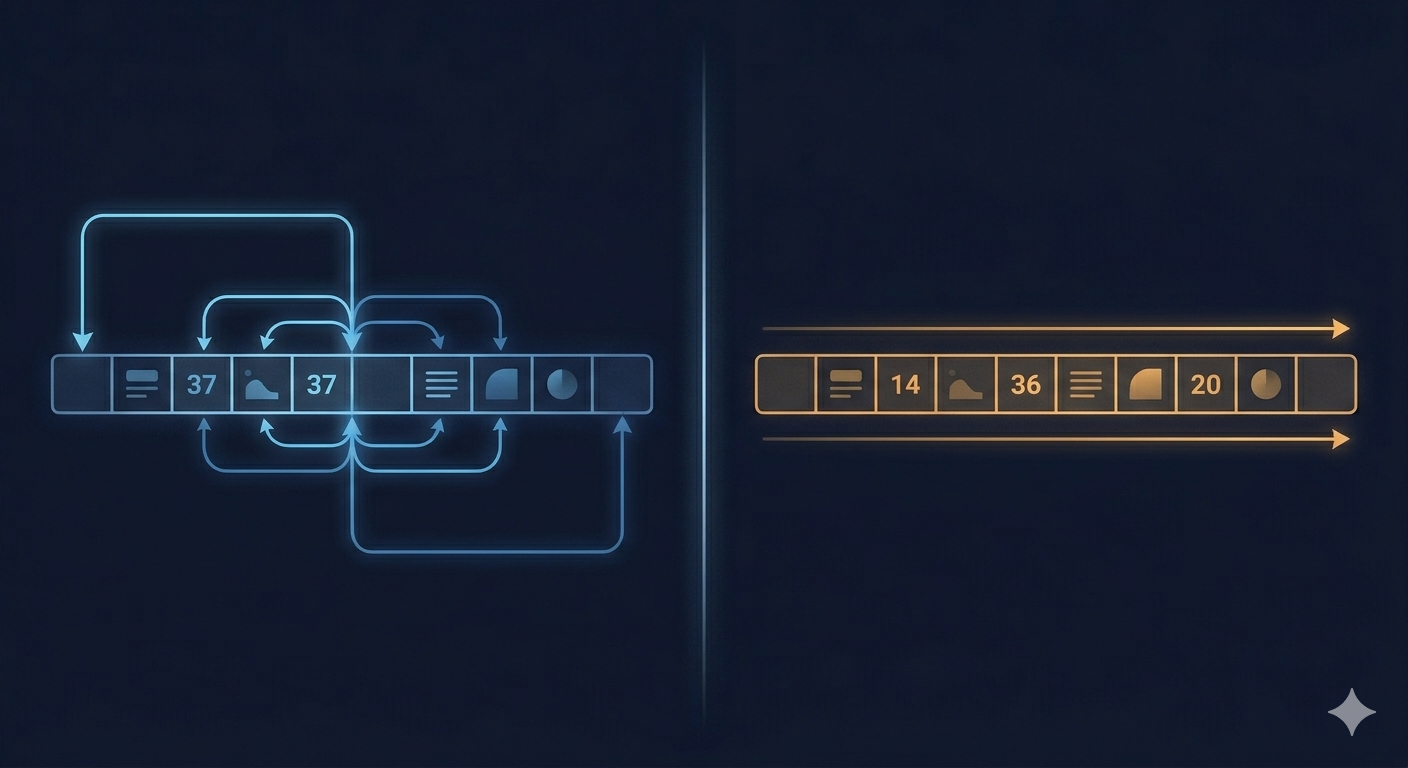
Modern CPUs don't fetch individual bytes, they load cache lines (typically 64 bytes). Sequential access is cache-friendly; random jumps are not. Binary search's access pattern is inherently non-sequential: it jumps to the middle, then a quarter, then three-quarters, and so on. For large datasets, those jumps land outside the CPU cache repeatedly.
This phenomenon has a name: cache thrashing. And it means that for moderately large arrays, a linear scan,which reads memory sequentially, can outperform binary search in wall-clock time, despite having a worse Big-O complexity.
// Benchmark approximation: real measurements require a proper benchmarking harness
// (e.g. tinybench or vitest bench), but the pattern holds consistently

// For small n (< ~1,000 elements):
// Linear scan is often faster due to cache warmth and branch prediction

// For large n (> ~100,000 elements):
// Binary search wins on operation count but pays cache miss penalties
// The crossover point is hardware-dependent

// Practical heuristic:
const BINARY_SEARCH_THRESHOLD = 1_000;

function search<T>(arr: T[], target: T): number {
  if (arr.length < BINARY_SEARCH_THRESHOLD) {
    return arr.indexOf(target as unknown as never); // linear — cache friendly
  }
  return binarySearch(arr, target); // binary — better scaling
}
The JavaScript engine (V8) applies similar heuristics internally for certain array operations. The lesson isn't to abandon binary search, it's to benchmark before assuming Big-O tells you what's fastest on your hardware.
4. The variants you actually need in real codebases
Standard binary search finds an occurrence of a value. Production code usually asks a different question: find the first occurrence, the last occurrence, or the insertion point for a value. These are distinct algorithms.
// Find the leftmost index where arr[i] >= target (lower bound)
// Equivalent to std::lower_bound in C++ or bisect_left in Python
function lowerBound<T>(arr: T[], target: T): number {
  let lo = 0;
  let hi = arr.length;

  while (lo < hi) {
    const mid = lo + Math.floor((hi - lo) / 2);
    if (arr[mid] < target) lo = mid + 1;
    else hi = mid;
  }

  return lo; // insertion point; arr[lo] is first element >= target
}

// Find the leftmost index where arr[i] > target (upper bound)
// Equivalent to std::upper_bound in C++ or bisect_right in Python
function upperBound<T>(arr: T[], target: T): number {
  let lo = 0;
  let hi = arr.length;

  while (lo < hi) {
    const mid = lo + Math.floor((hi - lo) / 2);
    if (arr[mid] <= target) lo = mid + 1;
    else hi = mid;
  }

  return lo;
}

// Count occurrences of target in a sorted array — O(log n)
function countOccurrences<T>(arr: T[], target: T): number {
  return upperBound(arr, target) - lowerBound(arr, target);
}
These two primitives, lower bound and upper bound, cover a majority of real sorted-data problems: range queries, duplicate detection, scheduling conflicts, sorted insertion. If you only memorize the textbook form of binary search, you'll reach for a less efficient approach every time these come up.
5. Choosing the right search strategy
Condition | Best approach |
|---|---|
Unsorted data, single search | Linear scan: O(n), no sort cost |
Unsorted data, many searches | Sort once O(n log n), then binary search O(log n) per query |
Sorted array, find exact match | Binary search |
Sorted array, find range or insertion point | Lower/upper bound variants |
Linked list or non-random-access structure | Linear scan: random access is too expensive |
Small array (< ~1,000 elements) | Linear scan: cache efficiency wins |
Database indexed column | B-tree handled by the engine: don't implement your own |
Hash map lookup (equality only) | Hash table: O(1) average, binary search can't compete |
TL;DR
- Binary search is O(log n) per query, but sorting is O(n log n). If you sort before a single search, linear scan was faster the whole time.
- Random access in O(1) is a hard prerequisite. Binary search on linked lists or non-indexed disk data doesn't work as advertised.
- Cache behavior isn't captured by Big-O. For small or moderately-sized arrays, linear scans win in wall-clock time due to sequential memory access.
- The standard form finds an occurrence. Lower bound and upper bound are the variants you'll actually use on real problems.
- Big-O tells you about asymptotic scaling. It tells you nothing about constants, memory layout, or hardware behavior. Benchmark before you assume.